MIDI keyboards
Connect a MIDI keyboard and the app follows what you play, and can send what you tap back to your gear. Setup and status live in one place.
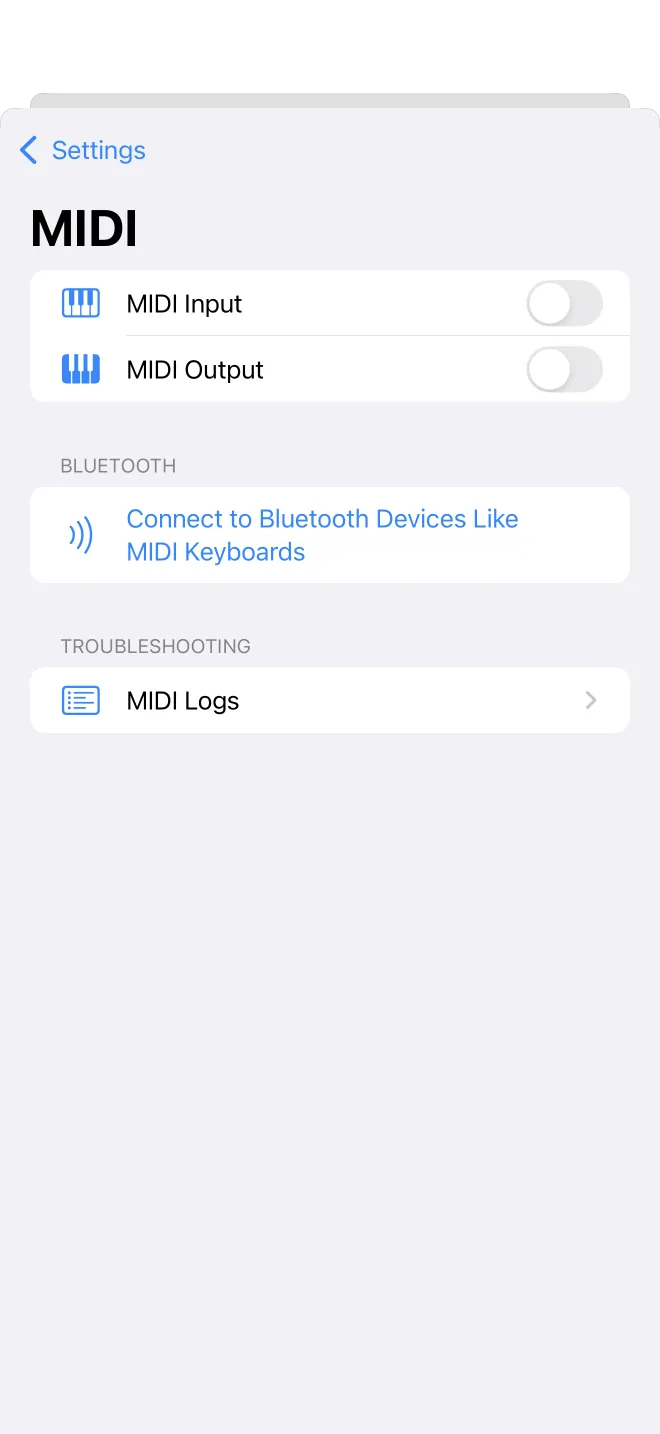
Connect and check
Settings, then MIDI, is where you connect a keyboard and see its status. Plug in by cable or pair over Bluetooth, and the status line shows what is connected. The MIDI row in Settings shows the same status at a glance, so you can tell whether a keyboard is ready without opening the screen.
In and out
MIDI works both ways. Playing keys on a connected keyboard highlights them in the app and drives the piano search and the practice tools. In the other direction, what you play in the app is sent out as MIDI, so it can drive a connected instrument or be recorded.